
Recruitment operations
How to Turn the CVs in Your Recruitment Inbox into a Searchable Candidate Database
6 October 2026 · 6 min read
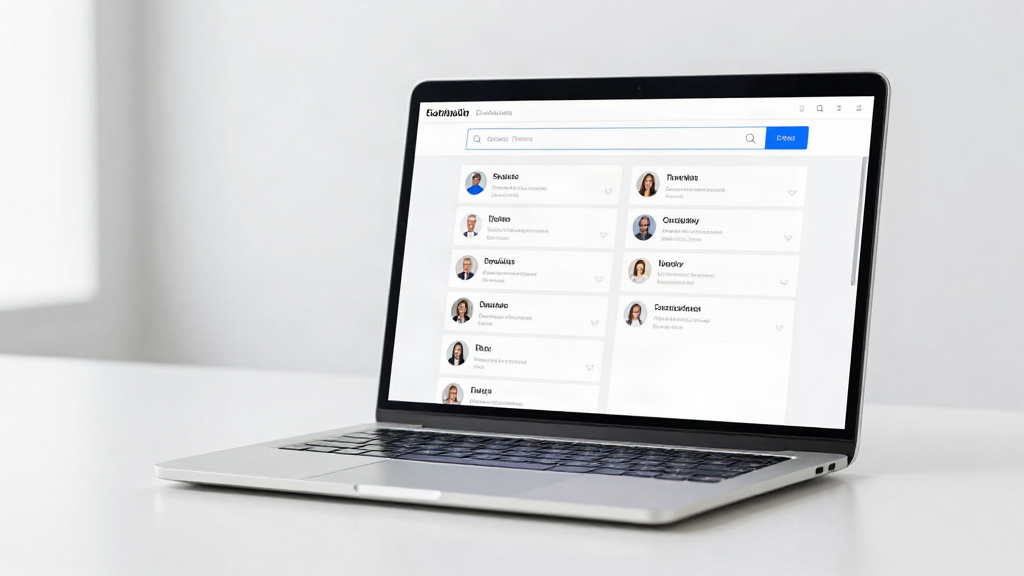
Every recruitment desk is sitting on a candidate database already. It just happens to be locked inside an inbox.
If you receive CVs by email, you have probably done this: a hiring manager asks whether you know anyone with a certain skill, you are sure a CV crossed your desk a few months ago, and you spend twenty minutes scrolling through Gmail or Outlook trying to find it. The candidate was there the whole time. You just had no way to search for them.
This guide walks through how to turn the CVs in your recruitment inbox into a structured, searchable candidate database - without adopting a heavy ATS or re-keying a single record by hand.
Why your recruitment inbox is already a candidate database
Think about what a candidate database actually needs. It needs names, contact details, roles, skills, and a way to find the right person when you need them. A CV attachment already contains all of that. What it lacks is structure. A PDF is a document, not a record, and a folder of unopened attachments is not something you can query.
The problem is rarely that you lack candidates. It is that the candidate information you already have is scattered and unsearchable. Fix the structure and your existing inbox turns into an asset instead of a backlog.
What "turning CVs into a candidate database" really means
Turning CVs into a candidate database means converting each CV attachment into a structured candidate profile - a record with named fields you can search, filter, and reuse. Instead of one stored document per email, you get an entry that sits alongside every other candidate you have ever received.
Done manually, that is a data-entry job nobody signed up for. Done with CV parsing, it happens in the background as CVs arrive, so your recruitment inbox quietly builds a candidate database while you get on with recruiting.
Step 1: Start with the mailbox your CVs actually land in
Before you change anything, be honest about where candidate CVs arrive. For most independent recruiters and small teams, that is one of a few places:
- Gmail or Google Workspace
- Outlook or Microsoft 365
- A generic IMAP inbox on a business domain
If you use more than one - say a personal Gmail for direct applications and a shared Outlook inbox for roles - treat the busiest one as your starting point. You can add the others once the first mailbox is working for you.
Step 2: Connect that inbox to RecrutFlo
Connecting your mailbox is the step that makes everything else automatic. RecrutFlo reads the CV attachments arriving in your connected inbox and processes them as they come in, so there is no new habit to build and no manual upload each time a candidate applies.
You stay in control throughout: the connection is there to organize and surface your candidate information, not to make hiring decisions. RecrutFlo does not rank people or reject candidates. It helps you find the people you already know.
Step 3: Let CV parsing extract the candidate details
Once your inbox is connected, each incoming CV is parsed and its details are extracted into structured fields - name, contact information, current role, skills, experience, and the source it arrived from. This is the CV parsing step that turns an unopened attachment into a usable record.
Extracting candidate details from CV attachments removes the slowest, most error-prone part of the old workflow. You are no longer copying and pasting from a PDF into a spreadsheet, and you are no longer relying on a filename to remember who someone is.
Step 4: Search your candidates instead of scrolling
This is where the payoff shows up. Because every CV is now a structured profile, searching for a candidate is a matter of typing a skill, a job title, a location, or a name - not scrolling back through months of email.
For a recruiter, the difference is significant. Instead of searching your inbox for CVs received by email and hoping the right one surfaces, you search candidates who are already organized and ready to review. Shortlisting a long-term role becomes a quick query against your own pool.
Step 5: Bring in the CVs you already have
You do not need to wait for new applications to see value. Existing CVs sitting in your inbox can be added too, so your back catalogue becomes part of the searchable database rather than a folder you never open again.
This is often the moment recruiters realize how many strong candidates they had quietly lost track of. Bringing those CVs into the same structured database means your past work feeds your future shortlists instead of gathering dust.
What changes for your recruitment workflow
Once your CVs are structured, a few things get noticeably easier:
- Finding a candidate you already received becomes a search, not a memory test.
- Duplicate records are easier to spot when every CV becomes the same kind of entry.
- Your candidate pool grows with every application, automatically, without extra admin.
- Candidate information lives in one organized place instead of scattered across folders and threads.
For a candidate database built from Outlook email, Microsoft 365, or Gmail, the practical outcome is the same: your inbox stops being a filing problem and starts being a resource.
A simple, affordable alternative to a traditional ATS
Traditional applicant tracking systems were built for a different job. They are powerful, but they are also heavy, expensive, and often overkill for a recruiter whose candidates arrive by email. You end up paying for features you will never use and asking candidates to apply through a portal they would rather skip.
RecrutFlo takes the opposite approach. It is a lightweight way to organize the CVs you already receive and make them searchable - no complex setup, no migration project, no steep learning curve. If what you actually need is to organize candidate CVs from email and find them again quickly, a simple CV organizer is a better fit than a full ATS.
Your next step
The fastest way to understand the difference is to see it on your own candidates. Connect the mailbox your CVs land in, let RecrutFlo turn the first batch of attachments into structured profiles, and search for a candidate you would normally have hunted for by hand.
You already have the candidates. Connect your inbox, and you will finally be able to find them.